Simple Photo Gallery started about six years ago to solve a very simple problem: I wanted a nice way to share photos from our trips and of our newborn baby with friends and family. But I didn’t want to just dump a bunch of images into an album and send a link. I wanted to tell a story. I wanted to add descriptions, group photos into meaningful sections, and explain what people were seeing in each image.
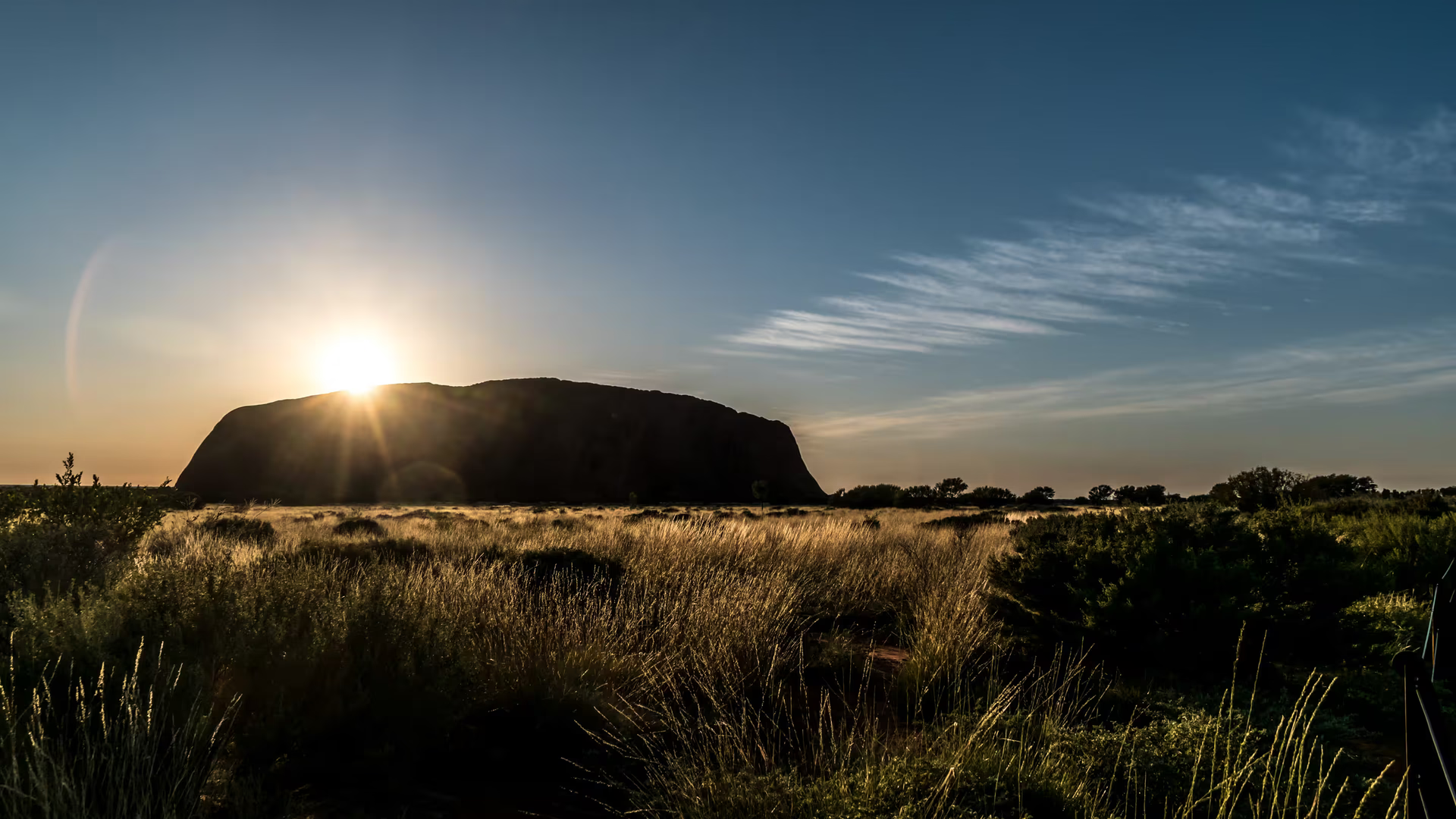
The first really big “photo story” was from our trip to Australia in 2017. We learned so many interesting things along the way, and I wanted the gallery to reflect that - not just show pictures, but convey the experience. So I organized the photos by city and by place, added text for each section, and wrote captions for many of the images. The problem was… there was simply no good tool for this.
I needed something that supported storytelling, but also something I could easily share with my grandmother, who mostly used a tablet and a messenger app. If I sent her a link, she should be able to tap it and see everything. No sign-ins, no extra services, no complexity. And, of course, it had to work great on mobile, desktop and tablets.
So in the end, I decided to build my own.
The first version
The very first version of Simple Photo Gallery was written in Python. I had discovered a great JavaScript library called PhotoSwipe, which had a beautiful, smooth lightbox view. So I wrapped it in a small command-line tool that scanned a folder of photos, generated thumbnails, and bundled everything into a static gallery - just plain HTML, CSS and JavaScript files. You could host them anywhere.
I published the tool as open source and kept adding features as I created more galleries from our trips and from our life with our son. Here is the initial version of the Australia gallery from 2017.
But… the tool was not easy to use.
You had to install a Python package with pip, run commands in the terminal, and if you wanted more advanced features like sections, you had to manually edit JSON files. So realistically, only people with some technical background could use it. And yet, over the years, more and more people did.
One fun thing was that every generated gallery had a tiny footer saying “Created by Simple Photo Gallery.” It made it very easy for me to search for galleries on Google and see what people had built. Of course, since it was open source, anyone could remove it, so there might be even more out there. But even with that, the project collected more than 200 stars on GitHub, which felt pretty surreal for a small weekend project of mine.
And the more I saw people using it, the more I kept thinking:
“If it’s this hard to use and still this many people find value in it… maybe I should make it easier.”
Planning a new version… for years
I had plans for a v2 almost since the beginning. I wanted to rewrite everything in modern JavaScript, fix some of the fundamental limitations of the Python version, and add features people were asking for - especially generating galleries automatically from large, nested folder structures. Several people reached out saying they had huge archives of photos and needed something like this, but it was very difficult to implement cleanly in the old architecture.
For years, I kept thinking about this v2. And earlier this year, I finally said: let’s do it.
I managed to convince a friend of mine - a brilliant developer called Tomasz - to join me as an equal partner. We rewrote the entire tool from scratch with a modern and super fast TypeScript stack using Astro. We released the new open-source Simple Photo Gallery v2 in September 2025 on GitHub and npm.
This is how the Australia gallery look now with the v2.
The new direction: open-source + a hosted app
Alongside the open-source CLI tool, we also started building a new web app - essentially a fully managed service on top of the open-source engine. It handles hosting, storage, optimization, and lets you create your galleries through a visual editor instead of editing JSON files. Creating a gallery is as easy as uploading a folder of photos, adding descriptions and clicking "Save". This makes it super easy to use for non-technical users.
This is what we are working on today. The product is already fully usable, and we have a long list of features we’re planning to add. If you want to try it out, check it out here: Simple Photo Gallery. Also make sure you take a look at the examples for inspiration.
What’s next
We have some very interesting AI features planned that will make it even easier to curate photo galleries. I’ll share more updates as we develop new features here on the blog and at @haltakov.