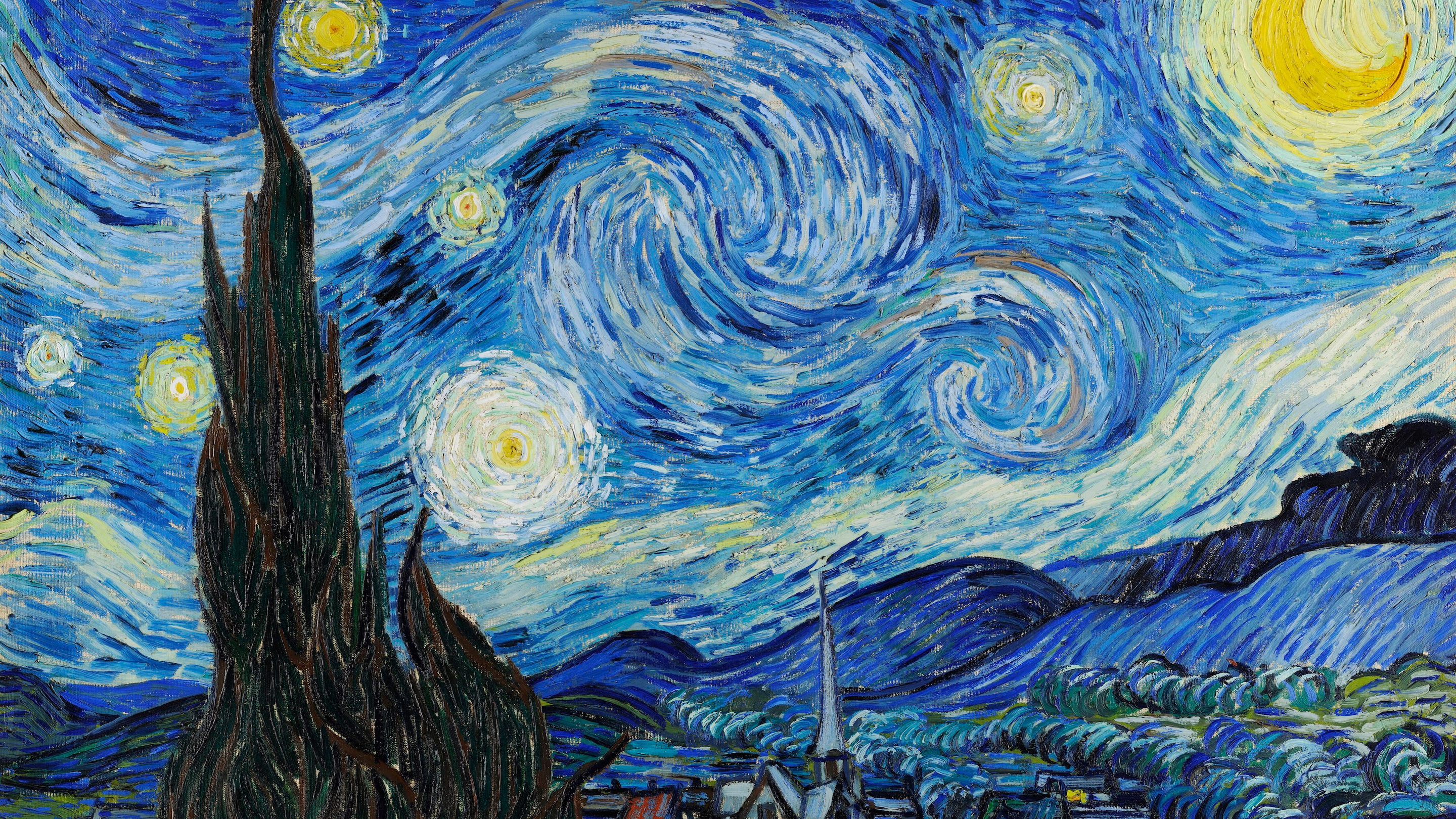
Online art gallery: A quiet, museum-like room for a collection of artwork.
Photograph or scan the works, upload them, and arrange them into series, periods or media. Captions carry the title, year and materials. The gallery stays out of the way of the art.
Real galleries
Collections, from museum pieces to a seven-year-old’s drawings.



Organize it with AI
Sort a pile of scans into a show.
The organizer groups works by what they depict and finds repeated shots of the same piece. Dates come from when the photo was taken, not when the work was made, so set the chronology yourself.
- Group the paintings by subject
- Landscapes first, then portraits
- Put the sketches in their own section
- Hide duplicate shots of the same piece
- Which works show the sea?
- Keep one photo of each object
Features
Room for the work
Light and dark themes with generous spacing, so a canvas or a print is the only thing on screen.
Captions that read like labels
Title, year, materials and a line of context under each work, written by you or taken from the file.
Your own domain
On Pro, serve the gallery from your own domain or embed it in an existing website.
Large originals
Upload high-resolution scans. Viewers get sizes that load quickly on their screen.
Showing new work to a few people first?
Keep a gallery private for collectors, clients or a jury. Add their email addresses; they sign in to view, and you can remove them later.
Yes, on the Pro plan. Add your domain on the Account page and follow the instructions to point it to your gallery.
Yes, on the Pro plan. Open a gallery’s settings, choose Embed, configure it and copy the code into your site.
No. It can only see the capture date of each photo or scan, which is usually not the year the work was made. Group by subject or series with AI, then set the chronological order yourself.
Yes. Make the gallery private and add their email addresses. Only you and the people you add can open it after signing in.